
Feature
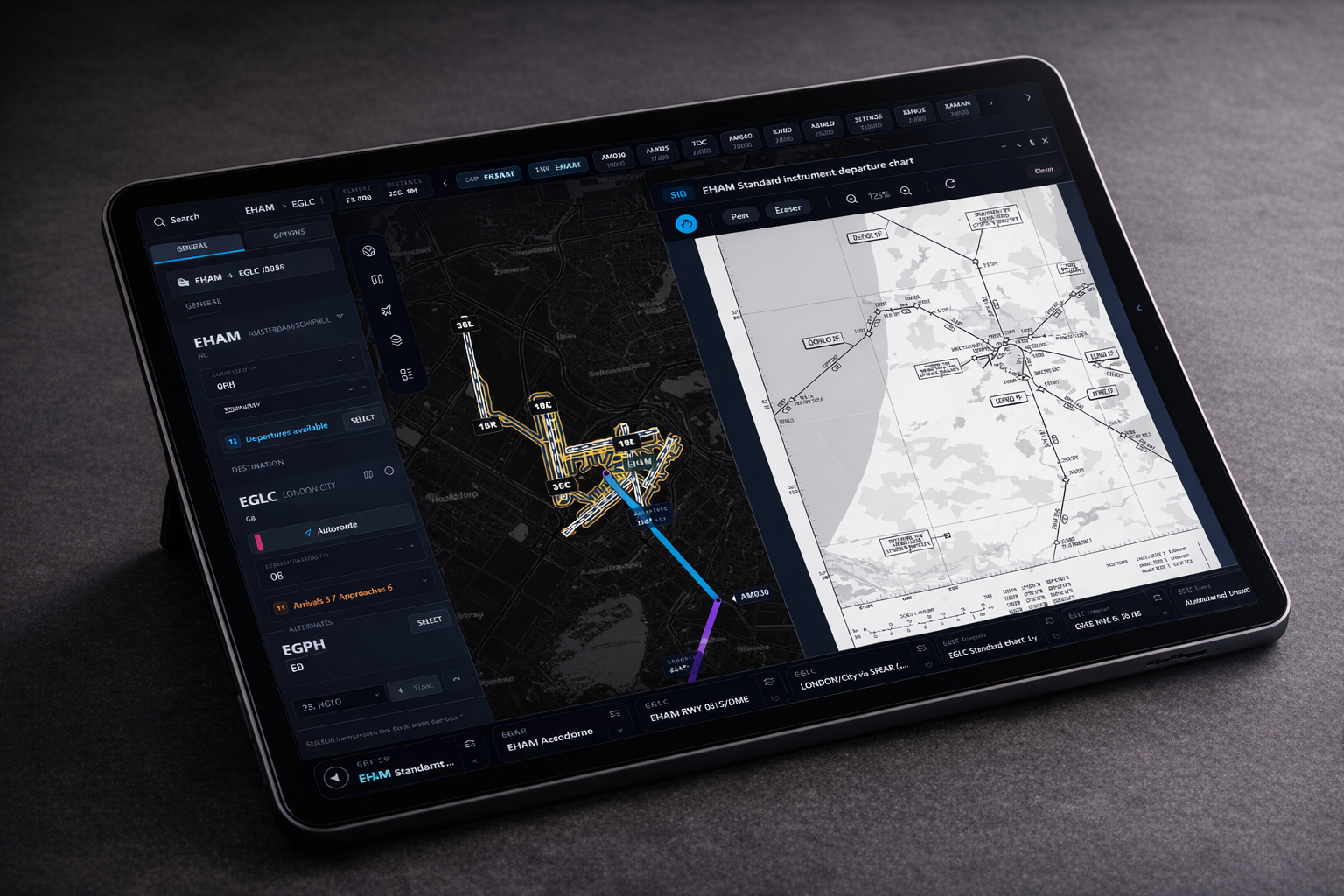
Charts where you need them
Keep airport charts, routing, and aircraft position together in one view.
Navigation Data for the Modern Sim Pilot
Not everything in flight simulation needs a subscription.
Free core access. No credit card required.



Procedure Flow
SimCharts keeps route flow, aircraft position, and plate context in one motion-rich view that still reads cleanly on tablet and desktop.

OCK1H via LOGAN
Overlay, legs and runway context stay aligned.
Wind
240/18
Ceiling
2200 ft
Traffic
Dense
Feature
Keep airport charts, routing, and aircraft position together in one view.
Feature
Use it with MSFS 2020/2024, X-Plane 11/12, and Prepar3D without extra clutter.
Feature
A clean interface that stays readable when workload goes up.
Why pilots use it
SimCharts keeps charts, route context, and live aircraft position together so you can brief and fly without switching between disconnected tools.
Community
Need help, want to share routes, or give product feedback? Join the SimCharts Discord.